Product designers
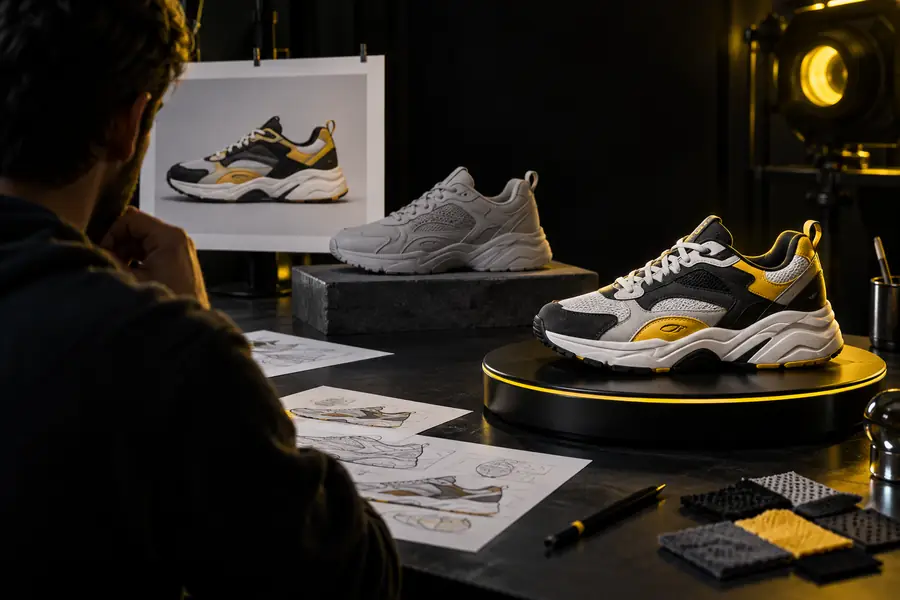
Turn a product photo into a rough spatial asset for proportion checks and early presentations.
Review form from multiple angles before investing in a final CAD or production model.
Visual to 3D
An image to 3D model workflow turns a clear reference into an editable scene starting point. Upload a subject, guide the result, and refine the asset for the way you plan to use it.

This conversion path begins with visual evidence rather than a written description. The result is shaped by the source image, the visible geometry, and the output format you need.
| Reference image | Generated 3D asset | |
|---|---|---|
| Primary input | One or more 2D views of a subject | A reconstructed object or scene |
| What is visible | Silhouette, color, pose, and surface cues | Depth, volume, topology, and material regions |
| Best source | Sharp subject on a simple background | Clean model-ready geometry |
| Typical use | Product reference, concept art, photo, or sketch | Preview, blockout, prototype, or export base |
| User control | Framing, angle, lighting, and image quality | Prompt guidance, refinement, and cleanup |
| Main limitation | Hidden sides are not fully known | Unseen geometry may need manual correction |
| Success measure | The subject is clear and consistently framed | The model matches the intended shape and proportions |
The visual jump from a flat reference to a spatial asset makes ideas easier to inspect, present, and reuse. Compare the source and generated result in the same frame.
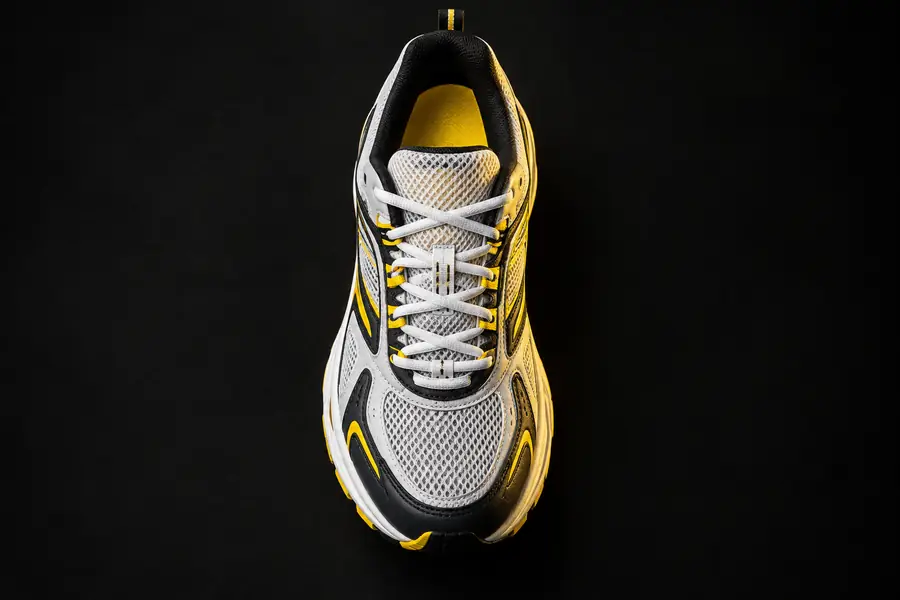
Reference
Drag the divider to compare shape, detail, and silhouette.
3D result
Tripo is useful when you need a fast spatial starting point without modeling every surface from scratch. Choose the workflow that matches the next decision you need to make.
Turn a product photo into a rough spatial asset for proportion checks and early presentations.
Review form from multiple angles before investing in a final CAD or production model.
Create a character, prop, or environment blockout from concept art or a reference image.
Move quickly from visual direction to a testable scene asset, then refine topology and materials.
Generate a spatial product preview from a clean catalog image.
Explore interactive presentation ideas and identify which details need a dedicated production pass.
Test how a familiar object changes when it becomes a manipulable 3D form.
Build intuition for silhouette, hidden surfaces, scale, and the cleanup work behind a finished asset.
Use this small planning control to estimate how many reference views you want to prepare before starting a conversion. More consistent views can make review easier when a subject has complex or hidden geometry.
checks
minutes
%
Start with a clear subject, test the generated form, and use the result as a practical base for your next design decision. Tripo helps turn visual exploration into something you can inspect from every angle.
Answers to common questions about free image-to-3D AI workflows and the conversion path.
It is an AI workflow that analyzes a 2D reference and produces a three-dimensional asset or scene starting point. Free access may vary by tool, output limits, file formats, or available refinement features.
You can try many subjects, but clear images usually produce more useful results. A simple background, visible silhouette, even lighting, and limited occlusion give the system stronger visual clues.
Use a sharp image with the subject centered and separated from its background. Product photos, concept images, and object references are easier to review than dark, blurry, crowded, or heavily obstructed scenes.
Usually, it should be treated as a starting asset rather than a guaranteed final model. Check proportions, hidden surfaces, topology, materials, scale, and file compatibility before using it in a published or manufactured project.
You can use it for concept review, visual prototypes, blockouts, product presentations, and creative experiments. A later cleanup pass may be needed for rigging, animation, close-up rendering, or physical production.