Clear input and output
A credible evaluation begins with knowing what you supplied, what Tripo generated, and which edits happened afterward.
Trust check
The short answer is that Tripo is a real AI 3D modeling service, but legitimacy is not the same as perfection. This guide shows how to evaluate Tripo outputs, limits, workflow, and fit before relying on it.
A useful legitimacy check starts by comparing Tripo with the manual process it is intended to accelerate.
Tripo can be legitimate and still be the wrong tool for a particular asset, pipeline, or approval standard.
A generated mesh may need retopology, cleanup, scale checks, or manual edge-flow work before animation or manufacturing.
What to do instead
Treat the first result as a draft and inspect it in your normal 3D software.
A single reference image gives Tripo limited evidence about the back, underside, interior, and exact dimensions of an object.
What to do instead
Use multiple views or provide a clearer reference when unseen geometry matters.
Legitimacy depends partly on the source image, prompt, output use, and any terms that apply to your project.
What to do instead
Keep source records and review the current terms before commercial or client work.
Visual resemblance does not prove clean UVs, accurate proportions, suitable materials, or reliable export behavior.
What to do instead
Use a short acceptance checklist before publishing, exporting, or handing off the asset.
Use these checks before deciding whether Tripo is legitimate enough for your specific use case.
Define whether the model is for a concept, preview, game asset, product page, or physical production. — The acceptable quality bar changes by use.
Use references you own, have permission to use, or can otherwise document. — Source responsibility stays with the user.
Inspect the mesh, materials, scale, and export in a separate viewer or 3D application.
Confirm the current usage terms for the output and your intended distribution.
Compare at least one result against a manual or alternative workflow.optional — This helps reveal whether Tripo actually saves time.
Keep a record of prompts, references, revisions, and final edits.optional — Useful for client review and internal provenance.
These pages cover adjacent questions that help put a trust decision in context.
The modern Tripo workflow is best understood as assisted modeling: the system creates a starting point, while the user verifies and refines it.
Artists gathered drawings or photographs, created a rough blockout, and established proportions by hand.
Libraries, photogrammetry, and reusable assets reduced repetitive work but still required careful preparation and cleanup.
Tripo can transform a written description or visual reference into a 3D starting point, shortening the path to review.
Users test several drafts, select the most useful result, repair weak areas, and prepare the asset for its actual destination.
A legitimate workflow records sources, checks output quality, and confirms that the final use matches the project's requirements.
The strongest answer to is tripo ai legit comes from observable workflow signals rather than a single claim or impressive preview.
A credible evaluation begins with knowing what you supplied, what Tripo generated, and which edits happened afterward.
Open the model in a viewer and check geometry, textures, scale, naming, and export behavior instead of judging only the thumbnail.
Run comparable references through the workflow and note where Tripo is consistent, where it fails, and how much cleanup each result takes.
Keep source files, prompts, revisions, and approvals together so a client or teammate can understand how the asset was made.
Tripo is most trustworthy when a person remains accountable for accuracy, rights, quality control, and the final use of the model.
A fast concept generator may be legitimate for ideation while remaining unsuitable as the sole source for manufacturing or complex animation.
A faster start does not remove the need for judgment
Tripo changed the first stage of 3D work by making rough exploration accessible from a prompt or reference image. That makes testing ideas faster, especially when a finished asset is not yet required.
The important distinction is between generating a plausible draft and approving a dependable final model. Use Tripo to reduce repetitive starting work, then apply the checks your project already demands.
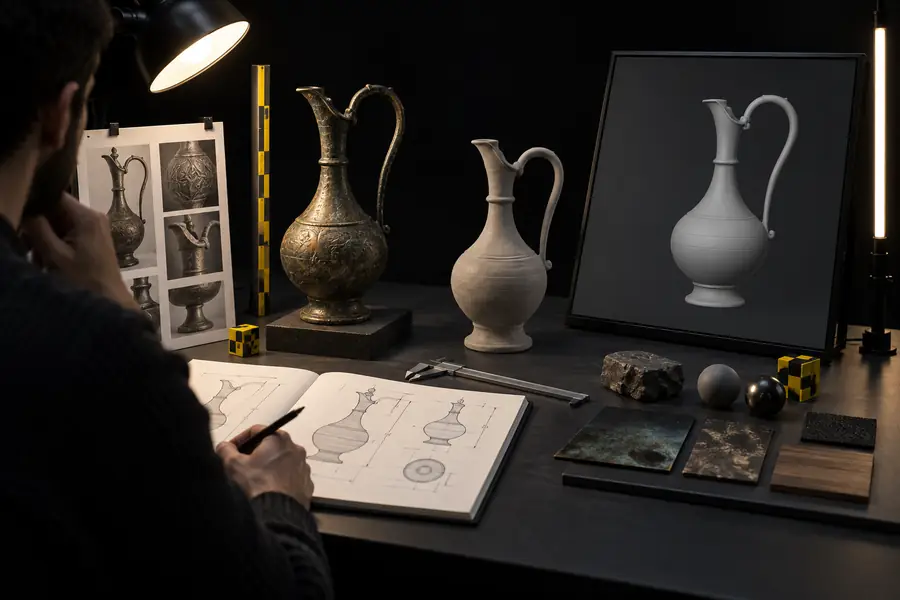

People tend to adopt Tripo when they need more 3D directions, faster previews, or a lower-friction starting point—not when they want every production decision automated.
Try one representative reference, inspect the result in your usual tools, and measure the cleanup it actually needs. That small test gives you a more useful legitimacy verdict than a generic promise.
These answers address the specific question behind this page: is tripo ai legit?
Tripo is a real AI 3D modeling service that can generate model drafts from supported inputs. Whether it is legitimate for your project also depends on output quality, source rights, current terms, and the amount of human review you apply.
No. A generated model should be treated as a draft until you inspect its geometry, materials, scale, and export behavior. The right level of trust depends on whether you need a concept, a preview, a game asset, or production-ready work.
It may be useful in commercial workflows, but suitability is project-specific. Check the current terms, use references you are allowed to use, and document the edits and approvals behind the final asset.
Tripo can reduce repetitive starting work and help artists explore more directions. It does not remove the need for modeling judgment, cleanup, topology decisions, technical preparation, or final quality control.
Run a small test with a reference that you can legally use and a clearly defined output goal. Compare the generated result with your normal workflow, inspect it in a separate tool, and record what required correction.