Indie game teams
A small team needs a stylized prop or character concept without blocking production on manual modeling.
Start with the text to 3d model workflow to explore silhouettes, then refine the strongest result in your usual tools.
Stylized 3D workflow
A low poly 3d model generator helps you turn a clear prompt or reference image into a stylized asset with readable shapes, simple surfaces, and an efficient geometry budget.

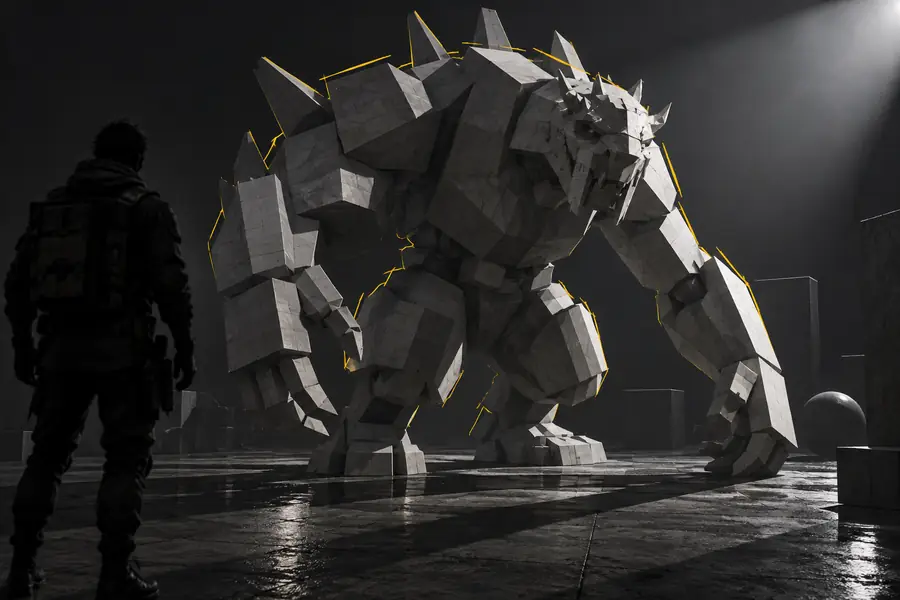
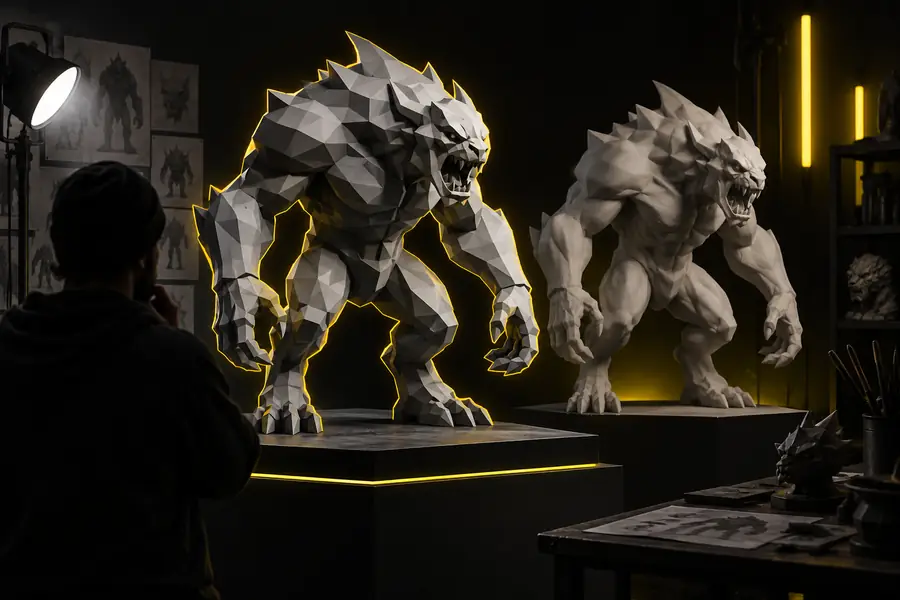
Compare a rough concept with a cleaner stylized result before you decide how much detail your asset really needs.
Rough concept
Drag the divider to inspect silhouette, planes, and surface detail.
Refined result
Use this comparison to choose a practical handoff for modeling, texturing, animation, or real-time scene work.
| Low-poly asset | Detailed asset | |
|---|---|---|
| Visual style | Flat planes, clear silhouette, deliberate simplification | Dense surfaces with more fine detail |
| Geometry budget | Keeps polygon use controlled for real-time scenes | Uses more geometry for close inspection |
| Best use | Games, prototypes, icons, previews, and stylized scenes | Hero assets, close-ups, and high-detail renders |
| Editing effort | Fast to block out and adjust | More time may be needed for cleanup |
| Texture approach | Simple materials and readable color regions | More room for complex maps and surface variation |
| Export handoff | Useful for rapid scene assembly and iteration | Useful when downstream detail is the priority |
Different creators begin with different references. Tripo can fit the workflow whether the idea starts as a sketch, a sentence, or a product image.
A small team needs a stylized prop or character concept without blocking production on manual modeling.
Start with the text to 3d model workflow to explore silhouettes, then refine the strongest result in your usual tools.
An artist has a sketch or painted reference and wants a spatial base for blocking a scene.
Use the image to 3d model workflow to carry the reference into a rough, editable starting point.
A learner wants to see how a short description becomes a simple object with recognizable forms.
A low-poly result keeps the shape language easy to inspect, explain, and modify.
A product or interaction idea needs a lightweight visual mockup before detailed CAD or production modeling.
An image-led workflow can turn an existing reference into a fast spatial concept.
Keep the transfer simple: generate a readable asset, inspect it in the target application, then make any final topology or material adjustments there.
Describe one subject clearly or choose a reference with a visible silhouette, consistent lighting, and minimal background clutter.
Review the model from several angles. Check the outline, major planes, intersections, and whether the style matches your scene.
Move the asset into your modeling or engine workflow, then adjust scale, materials, pivots, names, or topology as needed.
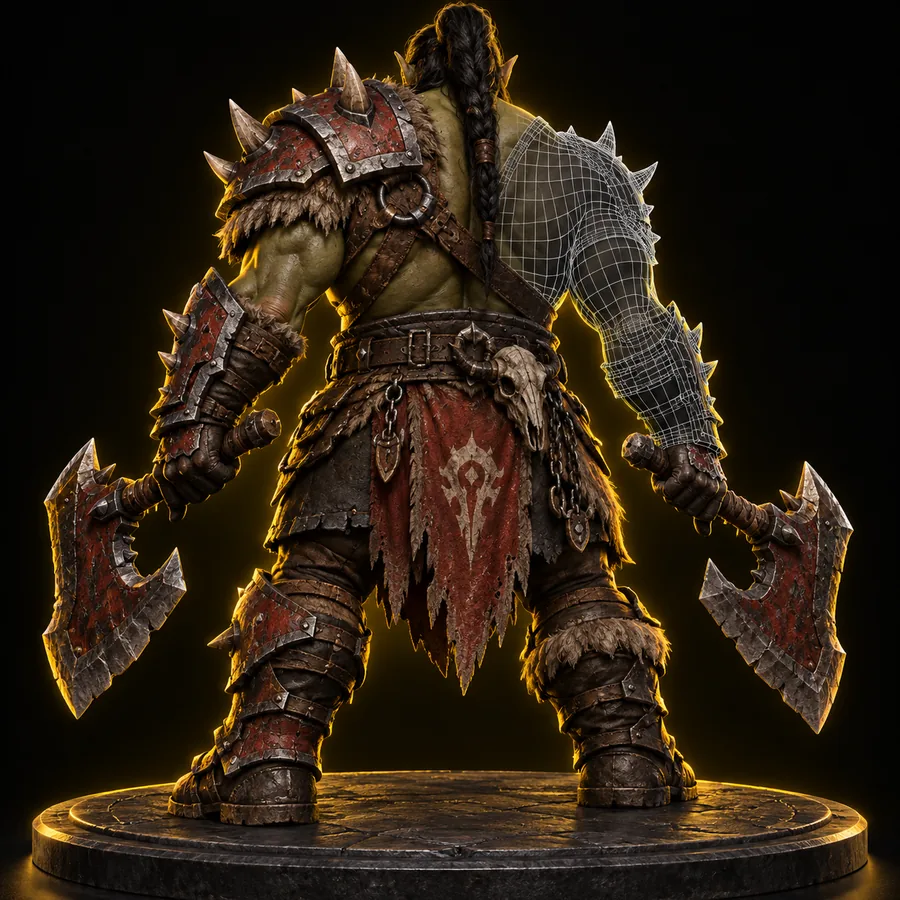
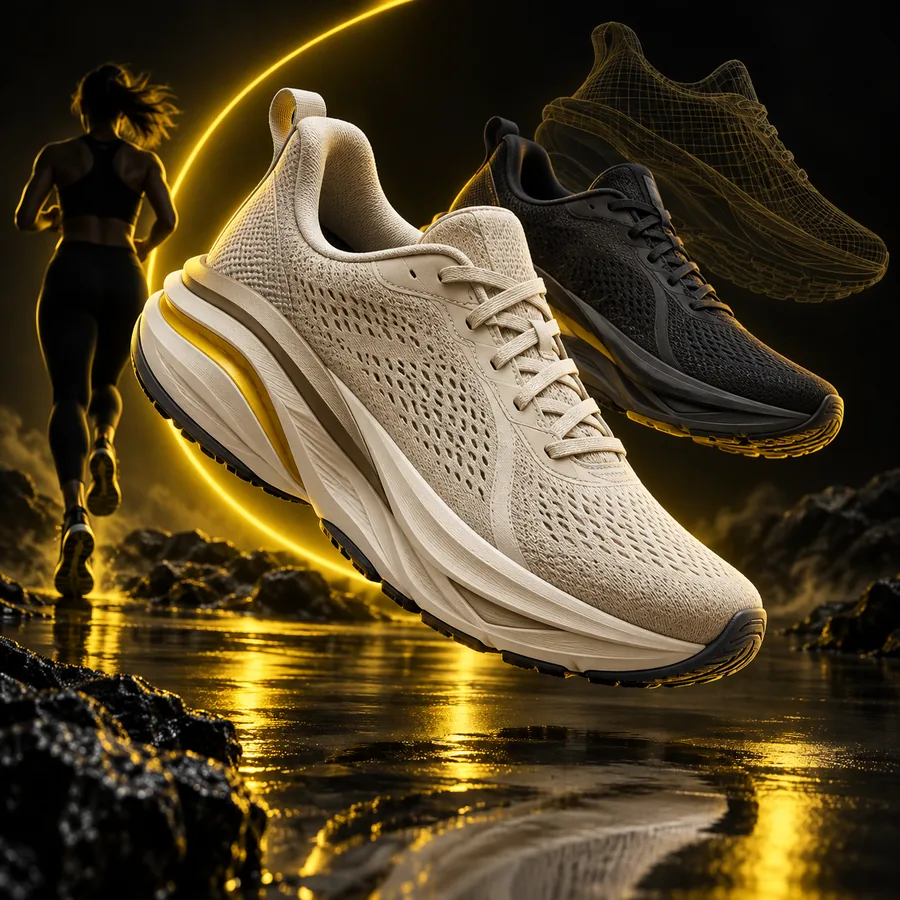
These examples show how different prompts and references can produce distinct stylized directions while keeping the main form easy to read.
 Character
 Vehicle
 Environment
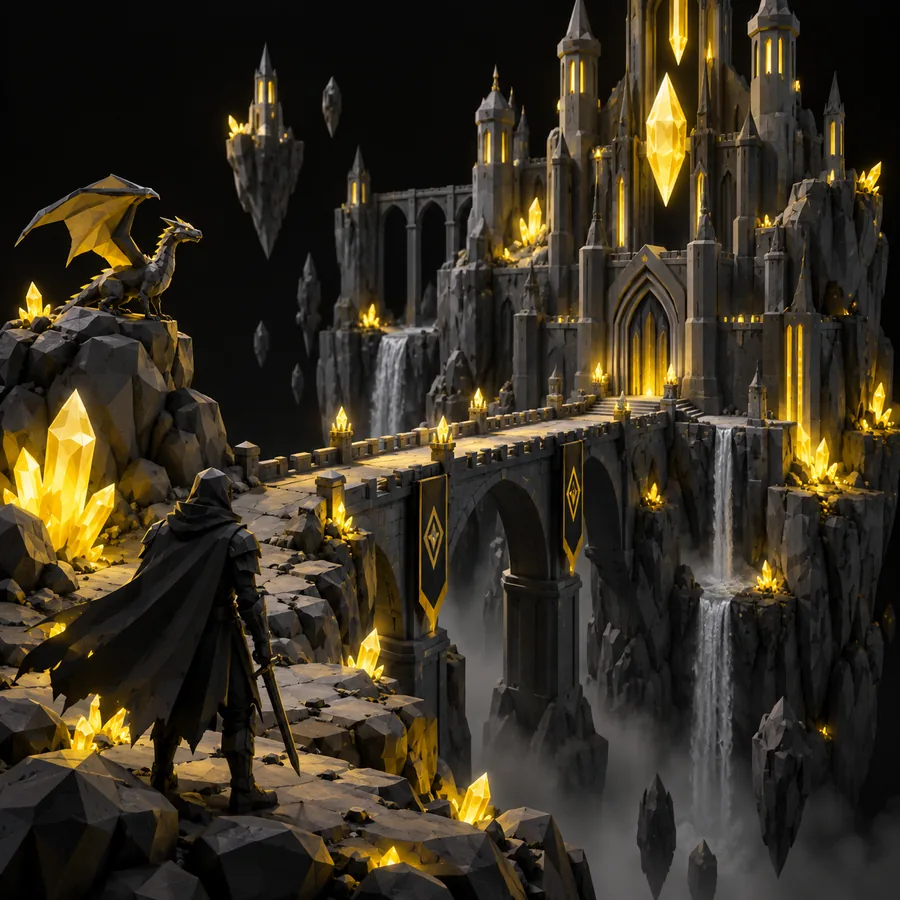 Prop
Prop
Describe the silhouette, material direction, proportions, and intended use. Tripo can give you a useful low-poly starting point, while your normal tools remain available for polish and production decisions.
A low-poly model uses a deliberately limited amount of geometry to create a clear silhouette and simplified surfaces. The style can be angular, faceted, or cleanly stylized rather than simply unfinished.
They can be useful as prototypes, background assets, scene blockouts, or stylized game content. Always inspect scale, topology, materials, licensing terms, and engine compatibility before shipping an asset.
Name the subject first, then describe its proportions, silhouette, materials, color palette, and intended style. Phrases such as chunky geometry, simple planar surfaces, and readable silhouette can help communicate the desired direction.
Not always. Generated output may still need cleanup, retopology, UV work, material adjustments, pivot setup, or rigging depending on the project.
Yes, an image can provide shape, color, and style guidance for a generated asset. A clean reference with one obvious subject usually gives the workflow more useful visual information.