Concept designers
Turn a rough product brief into several form directions before committing to detailed CAD work.
Compare silhouettes, proportions, and visual language earlier in the process.
Industrial concepts
Use Tripo to explore 3d industrial design concepts from a written brief or reference image, then refine the strongest directions for review and development.

Who it supports
Industrial design teams need useful visual evidence at each review stage, not just an attractive mesh. These workflows connect concept intent to a concrete next step.
Turn a rough product brief into several form directions before committing to detailed CAD work.
Compare silhouettes, proportions, and visual language earlier in the process.
Prototype believable props, vehicles, and environmental objects from fast design studies.
Move from industrial references to blockout-ready assets with less manual modeling.
Prepare a tangible visual for stakeholder reviews when the product is still only a sketch or description.
Make decisions around shape, use, and visual hierarchy before engineering handoff.
Explore enclosures, tools, furniture, and small devices without building every option from scratch.
Create a practical starting point for proportion checks, presentation, or a later CAD rebuild.
Start with prompts that name the object, its intended use, major parts, materials, and the visual constraints that matter in a design review.
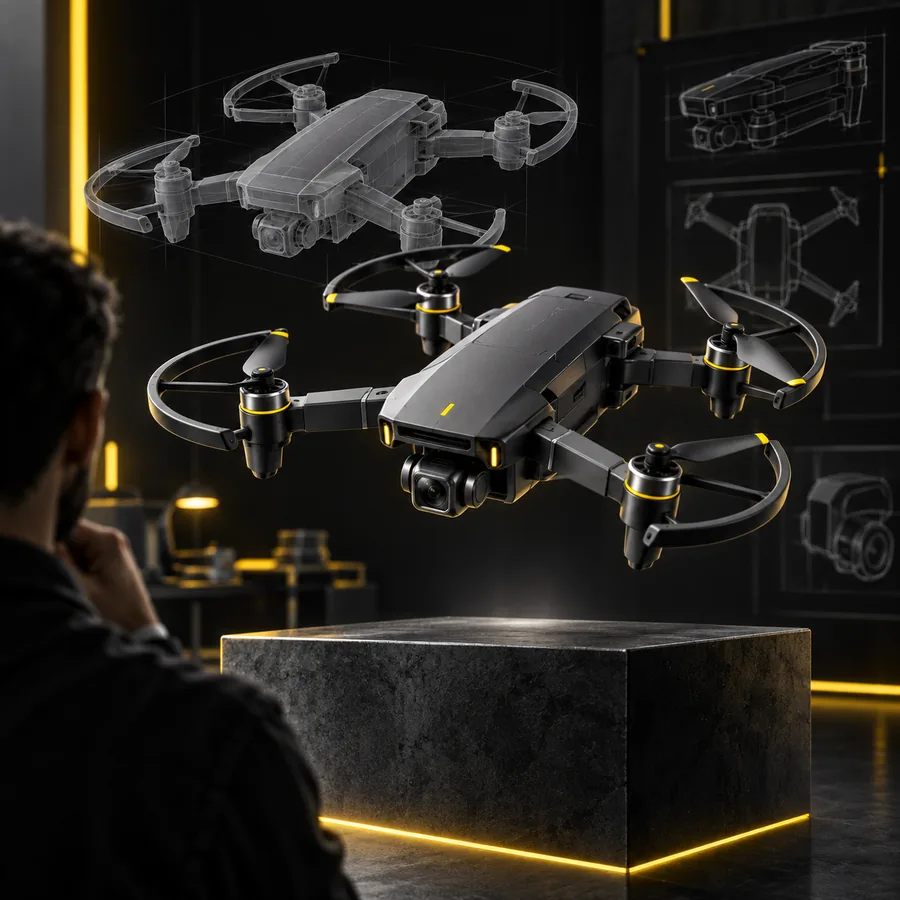
A compact foldable delivery drone with hinged arms, smooth injection-molded shell, vents, camera module, and practical proportions
 Aerial device
result
Aerial device
result
A modern ergonomic office chair with a breathable back, curved lumbar support, adjustable armrests, five-star base, and clean neutral materials
 Furniture
result
Furniture
result
A compact friendly exploration robot with a rounded protective body, tracked wheels, front sensors, service panel, and durable field-ready design
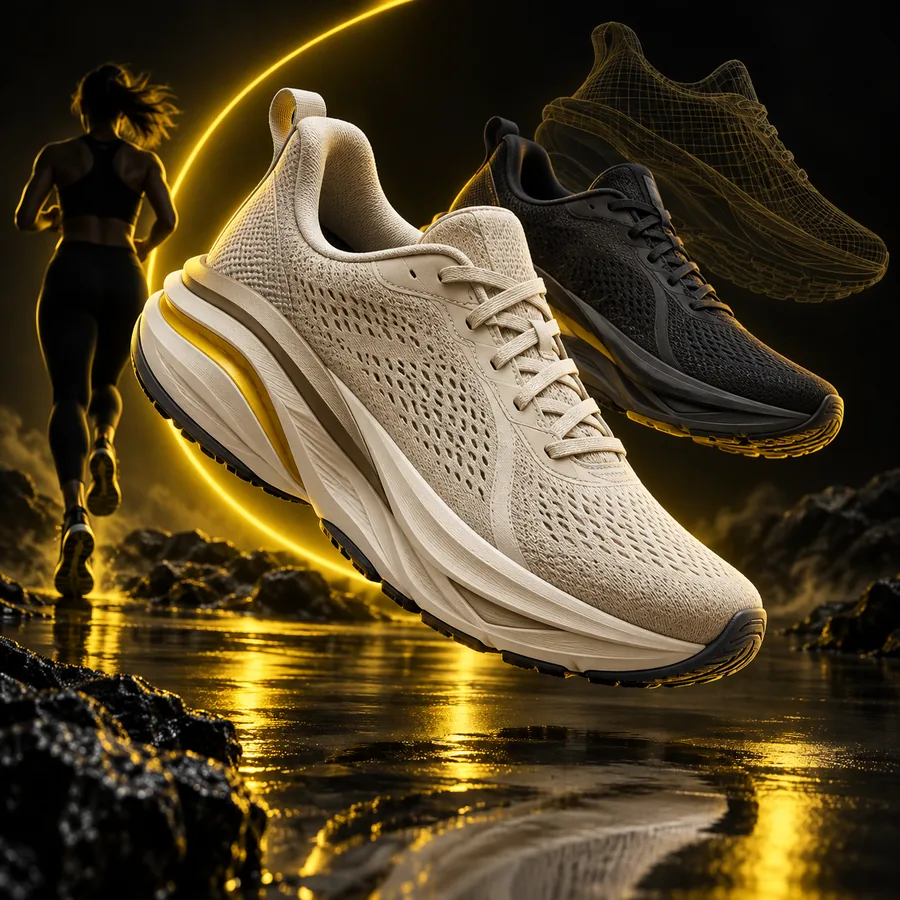 Robotics
result
Robotics
result
A futuristic electric motorcycle with a translucent aerodynamic fairing, exposed battery structure, slim wheels, and a refined studio concept aesthetic
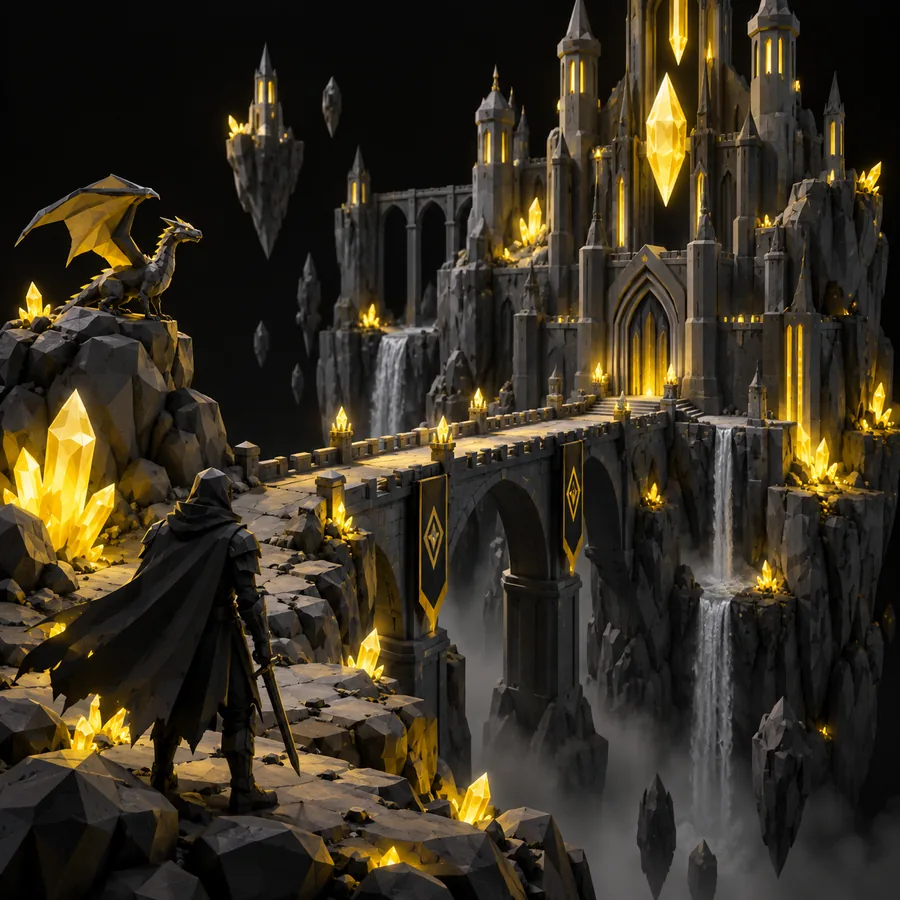 Mobility
result
Mobility
result
Adapt each prompt by changing one variable at a time: user, environment, material, mechanism, or proportion.
Practical workflow
A generated model is most useful when the team knows what it proves and what still needs professional reconstruction.
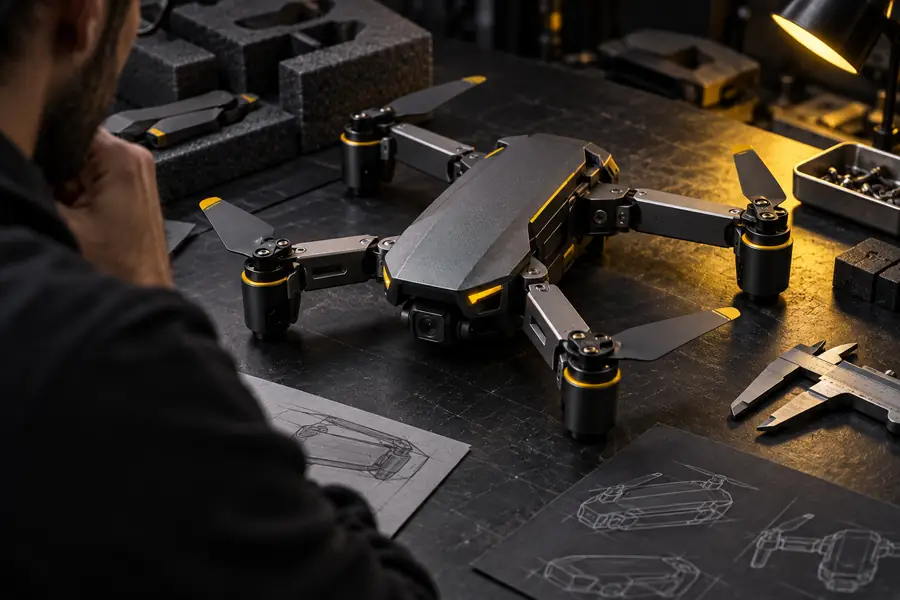
Describe the product’s purpose, user, key components, and visual character. Generate several directions, then select the form that best communicates the intended experience.
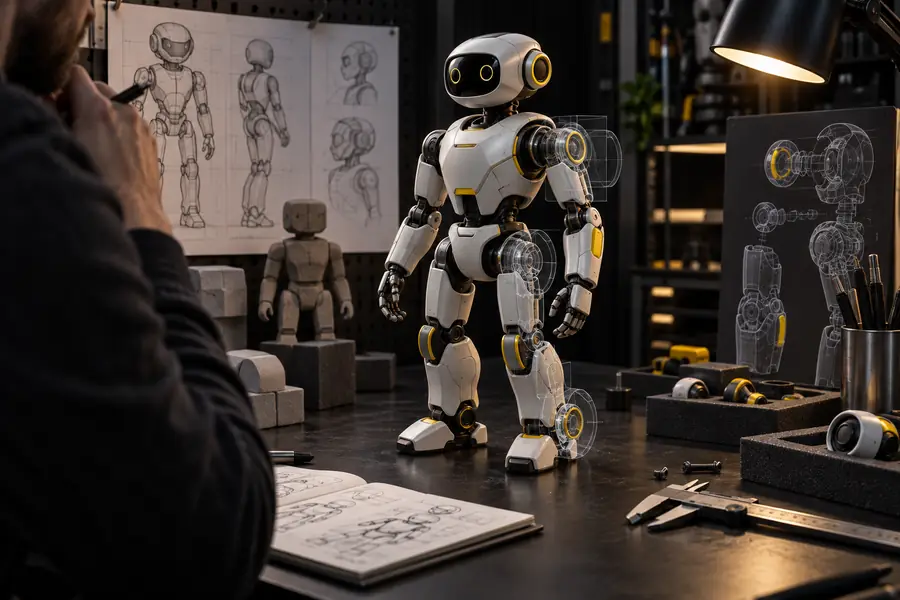
Provide a clear reference image and explain which features must remain visible. Use the resulting model to discuss volume, posture, and part relationships before detailed CAD.
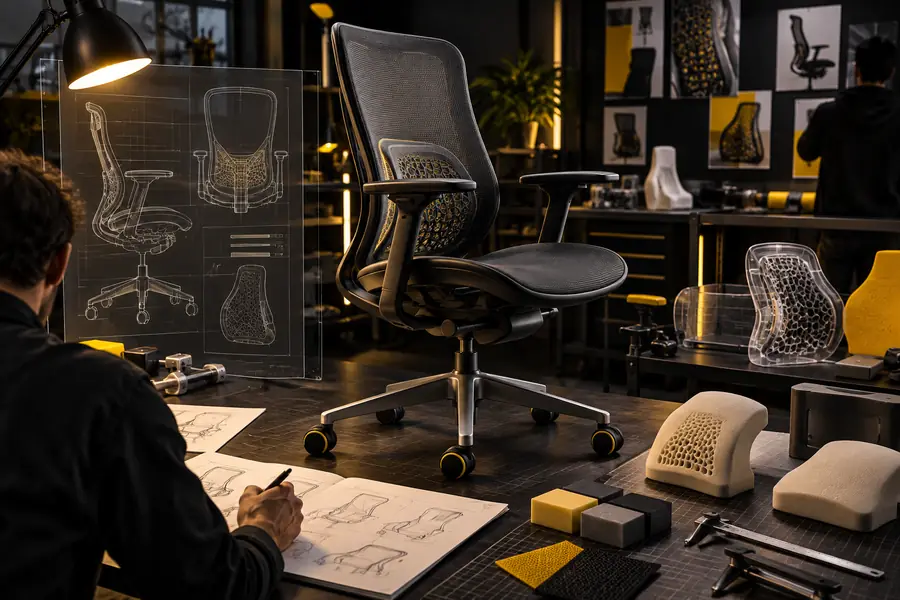
Create a coherent model for a review deck, moodboard, or early product scene. Keep the purpose clear: communicate direction and user-facing form, not certify manufacturing geometry.
Iteration check
The biggest time savings come from spotting visual problems before they become detailed modeling problems.
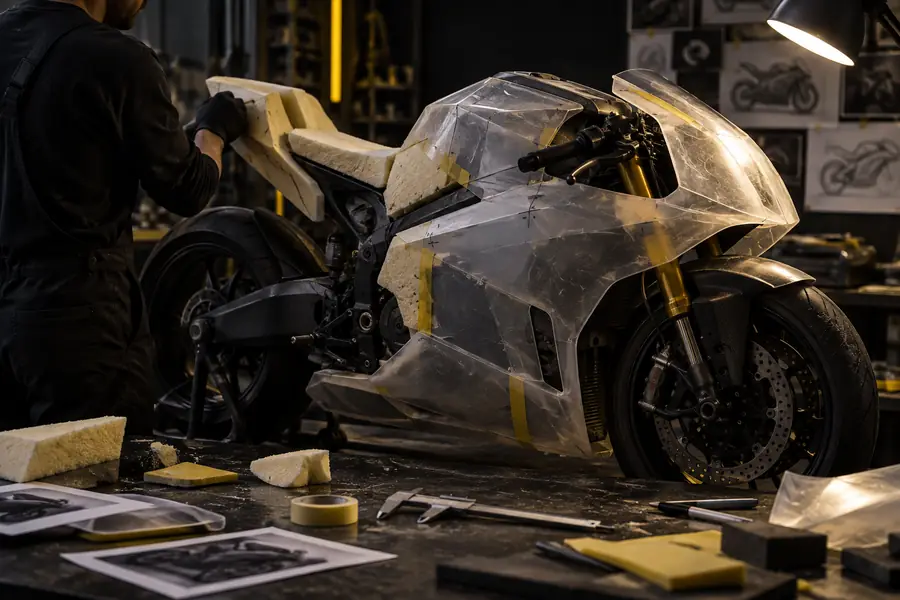
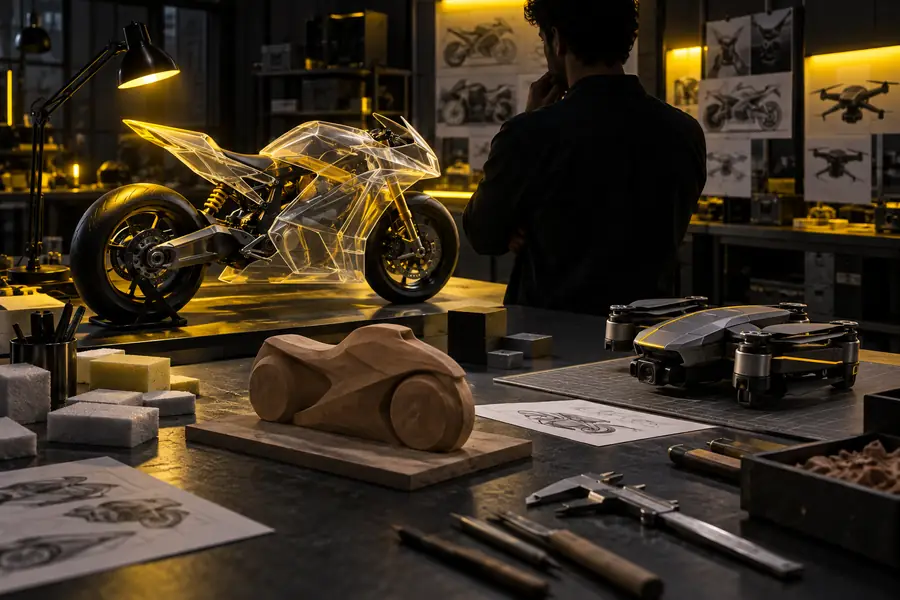
Use the first pass to expose proportion and part-relationship issues; refine or rebuild before treating the model as final geometry.
Early directionReview-ready directionKnow the boundary
A generated mesh may not contain the tolerances, wall thicknesses, draft angles, fasteners, or production logic required for manufacturing.
What to do instead
Rebuild critical geometry in your CAD system and validate it with engineering and manufacturing partners.
Internal assemblies, moving joints, and functional interfaces can be inferred inaccurately when the prompt or reference does not show them.
What to do instead
Use sectioned references, name the mechanism explicitly, and verify every functional interface manually.
A model can look plausible while missing grip comfort, reach, balance, accessibility, or safe interaction details.
What to do instead
Pair the visual study with user testing, dimension checks, and an ergonomics review.
A single view leaves ambiguity around rear surfaces, underside geometry, and relationships between separate parts.
What to do instead
Generate multiple views or use the output as a starting point for a coordinated multi-view reconstruction.
Give your team a faster way to test form, compare directions, and communicate a product concept before detailed modeling begins. Start with a specific object and a clear design intent.
Answers for teams evaluating Tripo as part of an industrial design process.
Yes. Tripo can help explore product forms, props, devices, furniture, vehicles, and other industrial design concepts from text or images. Treat the result as a concept or reference asset rather than a certified manufacturing model.
Name the object, its purpose, major components, proportions, materials, and visual style. Include constraints that affect recognition, such as a hinged arm, exposed sensor, rounded enclosure, or ergonomic support.
A generated model should not be assumed to be production-ready CAD. Manufacturing features, tolerances, wall thickness, assemblies, and engineering interfaces need to be checked and usually rebuilt in a dedicated CAD workflow.
It can be useful for early reviews because a 3D form makes silhouette, proportion, part relationships, and visual direction easier to discuss. Label the output honestly as a concept study and pair it with sketches, dimensions, and open design questions.
Yes, an image can provide a starting reference for a 3D concept. Use a clear view, describe which features must remain, and inspect hidden or ambiguous surfaces before using the result in a design decision.